A Shopify app for interactive product experiences
A Shopify merchant can offer customers an interactive product experience without moving them to a separate store. The application covers both product preparation in the merchant dashboard and the experience on the product page.
The work ran from discovery of the sales process and integration requirements through interface and API design, staged delivery and maintenance. Particular attention went to showing merchants which products are ready and which need another action.
- Who it serves
- Merchants running Shopify stores and customers browsing products in those stores.
Preparing products
Product readiness
These states illustrate the merchant’s work from selecting a product to making it available in the store.
- Selected
- The product has been selected in the catalog.
- Waiting for capacity
- Preparation can begin when plan capacity becomes available.
- Needs attention
- The merchant can check the state and retry the task.
- Visible in the store
- A prepared product can be made available to shoppers.
A merchant installs the app, selects products and starts preparation. They can select several items at once, check progress, retry unsuccessful tasks and choose which ready products appear in the store.
The first step was to define the product journey from catalog selection to availability for shoppers. The administration view distinguishes preparation progress, storefront visibility and Shopify publication, so merchants can see which action is still needed to make the experience available.
The work progressed in stages across installation, the dashboard, theme integration and retry handling. Status views and bulk action results help merchants identify what has started, what is waiting and what needs checking.
Scope of responsibility
Atomic Concept is responsible for discovery, product rules, interface and integration design, development, deployment and application maintenance.
- Store setup
- The dashboard guides the merchant through app settings and enabling the relevant elements in the Shopify theme.
- Catalog work
- Statuses and bulk actions help merchants prepare products and identify items that are waiting or need attention.
- Plans and capacity
- Merchants can see the product places used in their plan. Products can wait for an available place and start preparation when one becomes free.
On the product page and phone
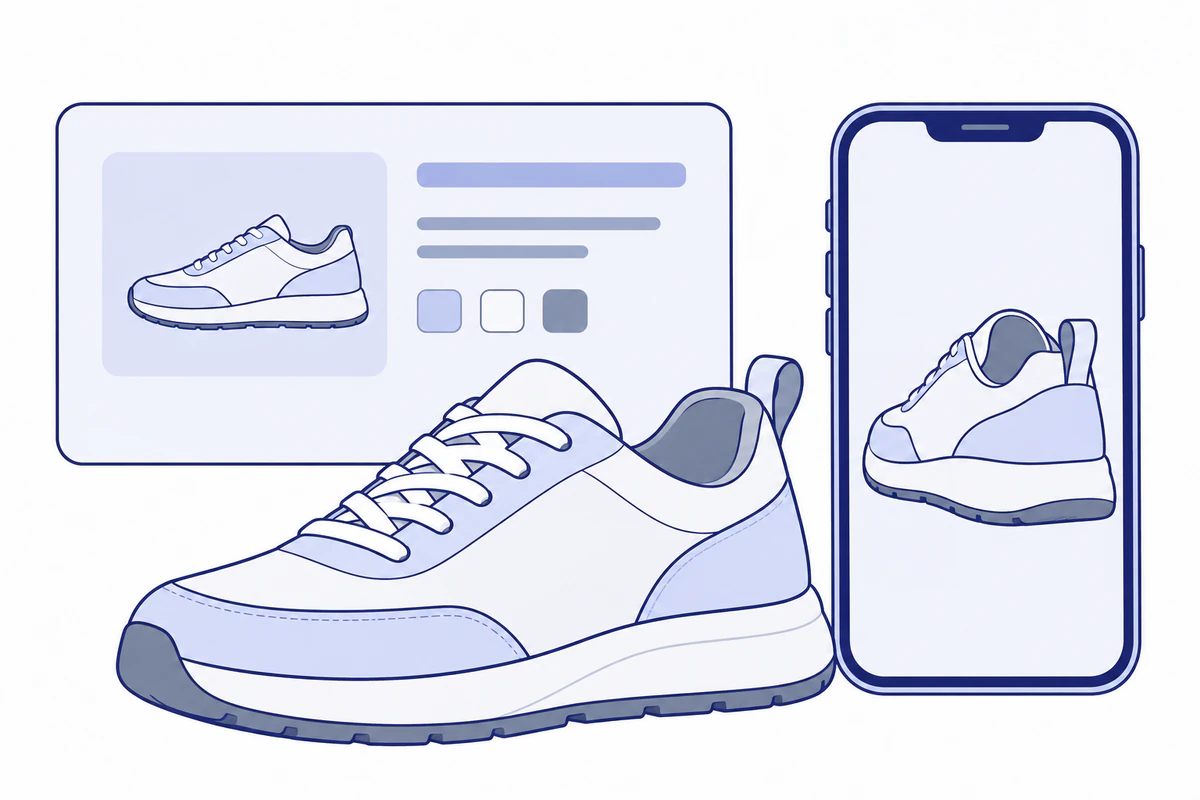
Shoppers use the experience on the product page. When they need a phone, they can scan a QR code shown on a computer and continue on their mobile device. Selected products can also be added to the store cart.
- Shopping
- The experience uses the context of the product page and connects with the store cart.
Continuing the shopping journey
The diagram connects the product page, mobile handoff and store cart.
- Product page
- The shopper opens the interactive experience.
- QR code
- Allows the experience to continue on a phone.
- Store cart
- Selected products can be added to the cart.
Integration and background tasks
React Router and TypeScript support the dashboard application, while Shopify GraphQL API and App Bridge connect it to store administration. Polaris supports the interface, and Liquid theme extensions place the experience on product pages.
Product preparation runs beyond a single request. Place reservations and idempotency keys help enforce capacity and limit the effects of repeated submissions. Synchronization and retry mechanisms handle work that does not finish immediately.
- Module boundaries
- Product rules are separated from service adapters, and module boundary checks help preserve that separation as the application evolves.
- Storefront communication
- postMessage carries the required context between the embedded view and the storefront and supports the cart flow.
- Data and jobs
- PostgreSQL and Prisma store application data, preparation state and plan reservations.
- Diagnosis
- Structured JSON logs and optional operational emails help investigate integration activity and errors.
Technologies and their use
- React Router, React and TypeScript
- Application and merchant dashboard.
- Shopify GraphQL, App Bridge and Polaris
- Store administration integration and dashboard interface.
- Liquid
- Theme extensions on store pages.
- PostgreSQL and Prisma
- Product, plan and processing data.